Part A — Discover

How to use the ACbuy Spreadsheet

The fastest path from idea to a real ACbuy order. Five steps, all free, no account needed for browsing.

Step A1

Search or browse on ACbuy.net

Open ACbuy.net and either type a product name, brand or pasted link into the top search bar, or scroll the homepage Featured finds and category cards. The spreadsheet indexes 17,000+ verified ACbuy-compatible product links from Weidian, Taobao and 1688 sellers.

Tip: vague keywords work fine — try “essentials hoodie”, “AJ4”, “TNF puffer”.
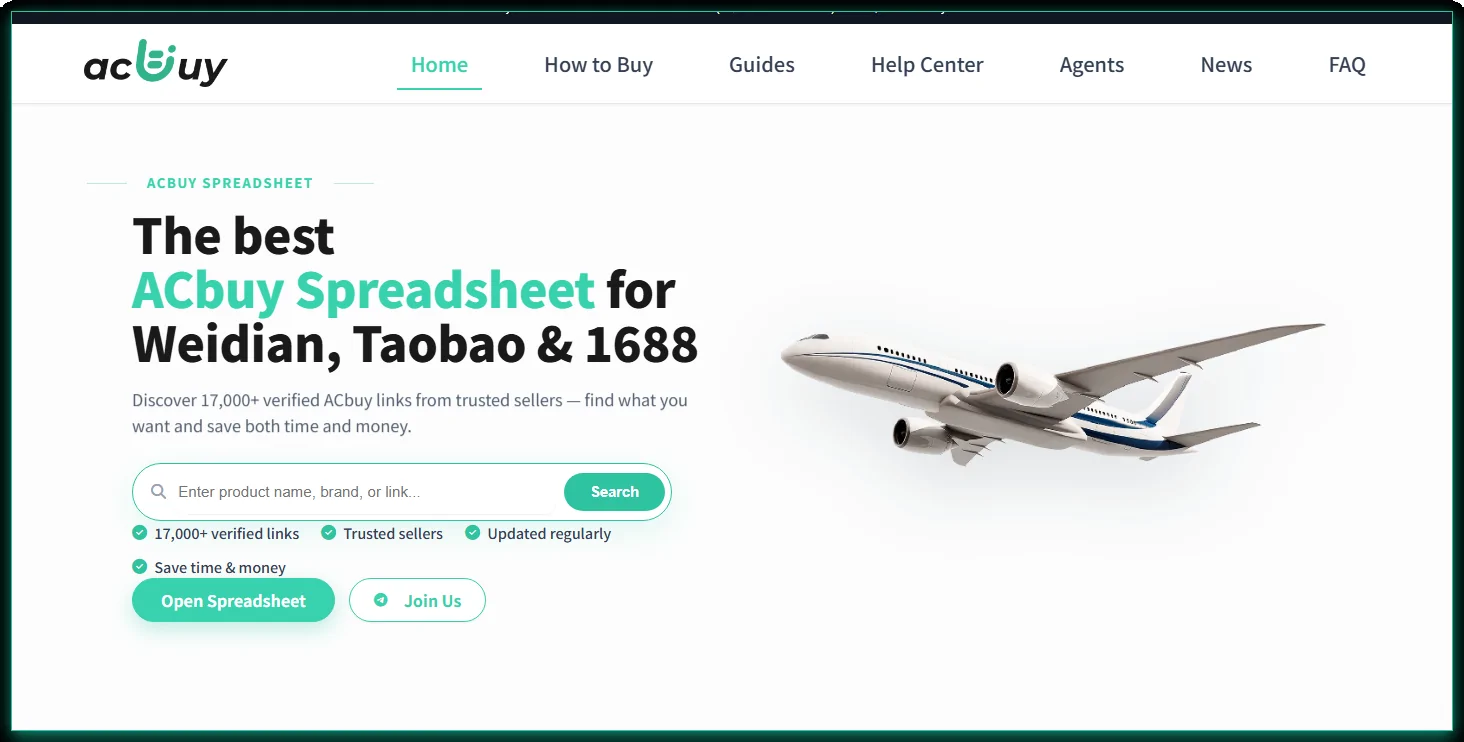
ACbuy.net homepage with the search bar and Open Spreadsheet CTA
Step A2

Click through to the W2C Spreadsheet

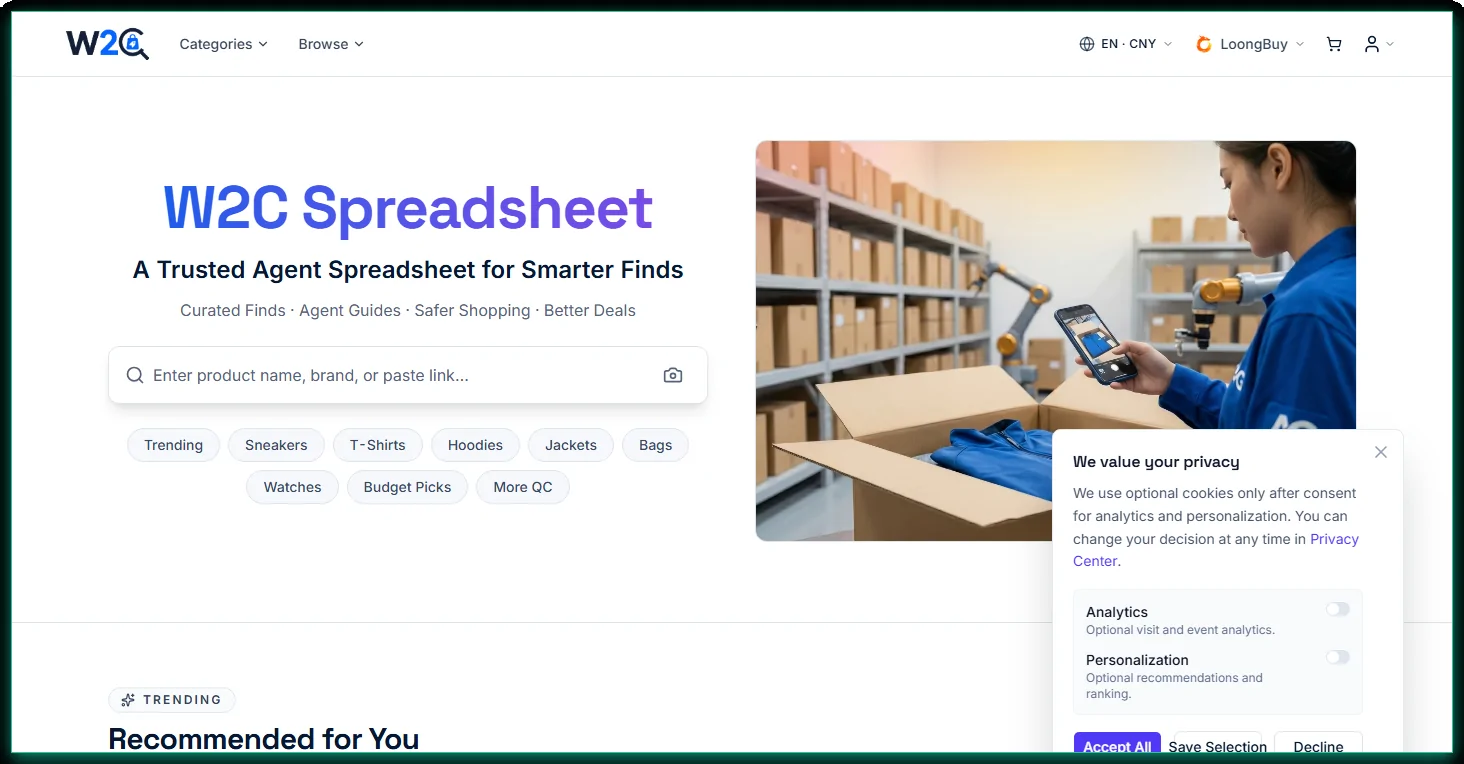
Hit Open Spreadsheet (or click any Featured-finds card) and you’re forwarded to w2cspreadsheet.com — the full searchable product database with filters for category, brand, price, gender, style and more.

Tip: use the left-side filters (brand, style, price range) to narrow large categories.

W2C Spreadsheet homepage with the search bar and Recommended for You
Step A3

Find the item and pick ACbuy as your agent

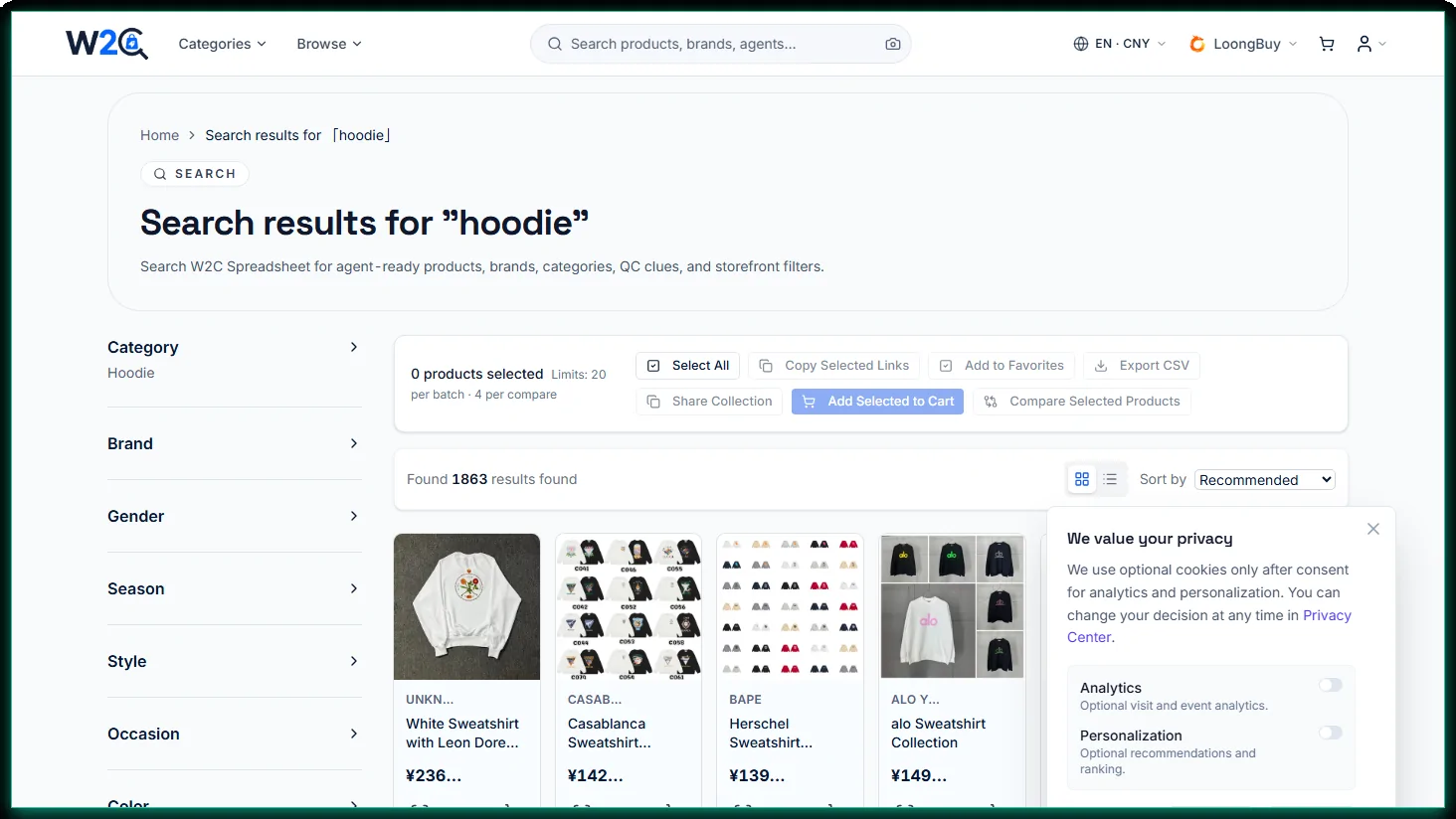
Open any product card you like. Every listing on the W2C Spreadsheet shows the available shopping agents (ACbuy, CNFans, Kakobuy, Superbuy and more). Pick ACbuy and the link will deep-link you straight into the ACbuy site with the seller and product pre-filled.

Tip: prefer ACbuy if you want free QC photos, 90-day free storage and 150+ shipping lines.

W2C Spreadsheet search results showing filters and product cards with agent buttons
Step A4

Land in ACbuy — sign up & place the order

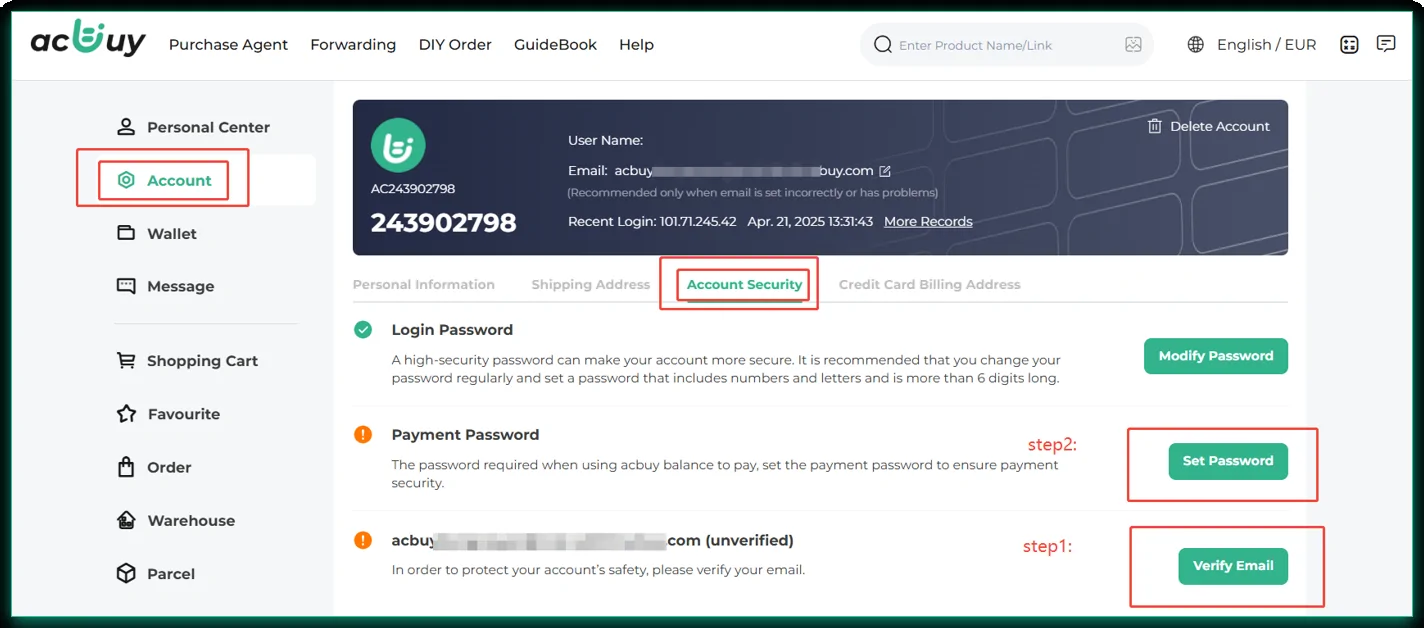
You arrive on the ACbuy product page with the seller, item and any variants pre-filled. First-time buyers create an account (email + payment password), then click Buy now — the agent purchases the item from the Chinese seller and ships it to the ACbuy warehouse.

Tip: verify your email and set the payment password before ordering so checkout is one click.

ACbuy account security page with verify email and set payment password
Step A5

Follow the ACbuy parcel flow

Once the order is placed, the rest is the standard ACbuy workflow — confirm any agent messages, wait for the item to be stored, check the free QC photos, then submit a parcel and ship worldwide. Each stage is explained below in Part B.

Jump to the ACbuy parcel flow ↓

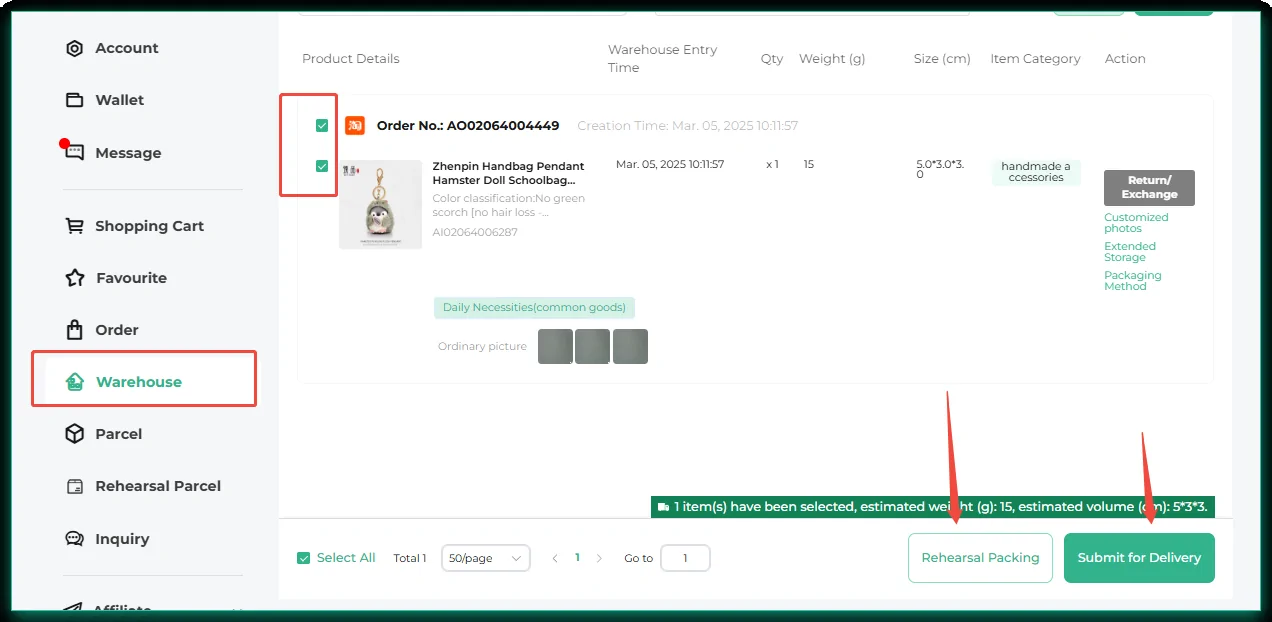
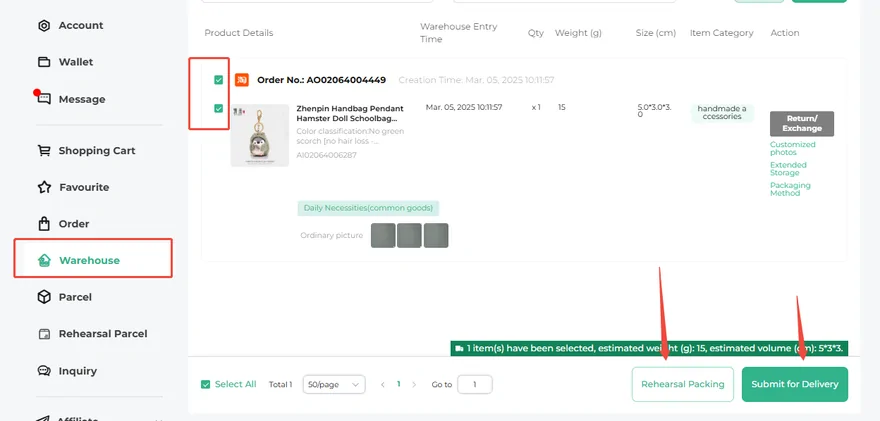
ACbuy Warehouse page with Submit for Delivery and Rehearsal Packing buttons
Why ACbuy

What you get when you ship through ACbuy

Six reasons buyers choose ACbuy on the spreadsheet — and the new-user bonus you can claim on first sign-up.

Direct Taobao access

Shop the full Chinese marketplace directly from one app — Taobao, Weidian and 1688 listings, all in English.

Authentic & affordable sourcing

Curated trusted suppliers so the price you pay reflects real, verified goods — not random copies.

Streamlined international logistics

150+ shipping lines and consolidated parcels keep cross-border freight cheaper and predictable.

Multi-language support

Local-language UI for global buyers — you don’t need to read Chinese to shop or coordinate parcels.

Risk-free buyer guarantees

QC photos + reject/refund workflow + dispute support so you can shop cross-border with confidence.

Dedicated customer assistance

Built-in chat with ACbuy support plus an active community on Telegram and Discord when you need a fast answer.

New-user bonus

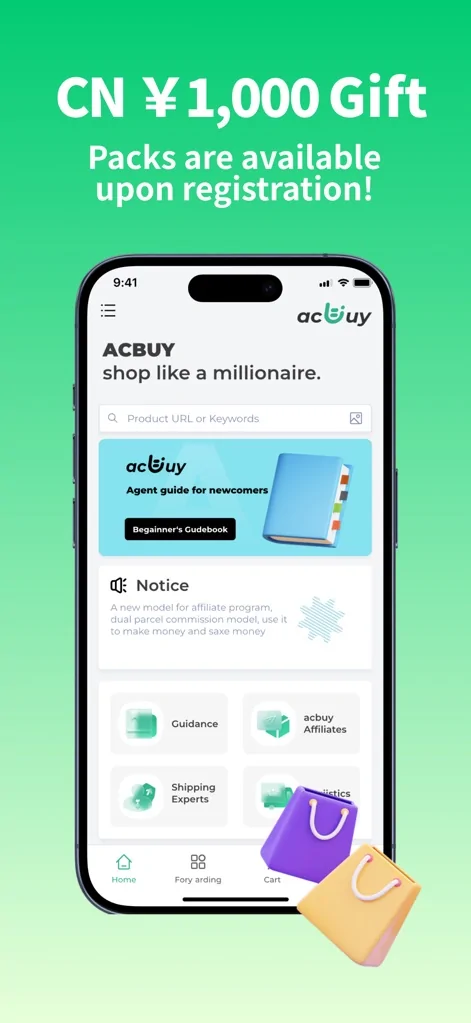
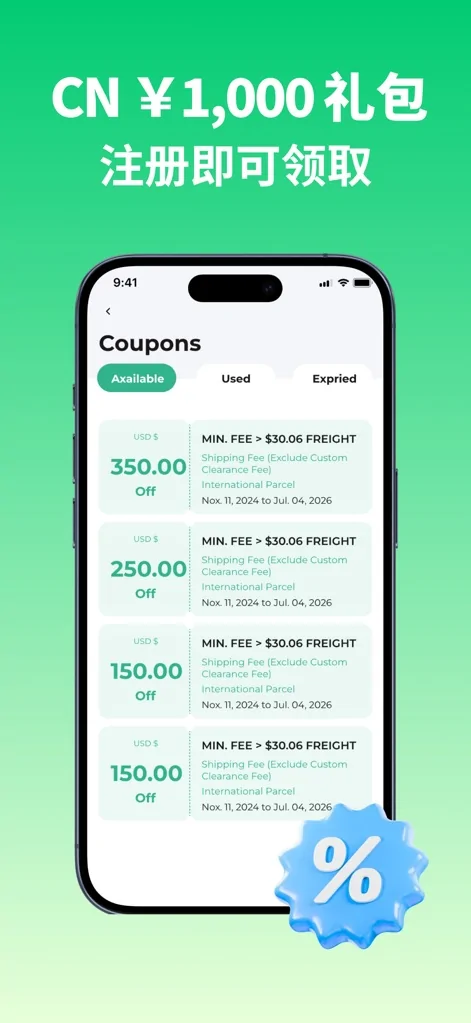
CN¥1,000 Gift Pack — up to $350 off international shipping

First-time ACbuy buyers can claim a welcome pack of coupons that include shipping discounts (up to $350 off freight on eligible international parcels) and seller-side savings. Claim it from the New User badge inside the app right after sign-up.

Part B — After ordering

The ACbuy parcel flow

What happens after you place the order — from confirmation to international shipping. Each step links to the full Help Center article for screenshots and edge cases.

Step 1

Register & claim your new-user gift

Create an ACbuy account and sign in. New users can claim a welcome gift pack, and you can open the in-app Beginner’s Guidebook, Guidance and Help sections any time you need them.

ACbuy beginner guidebook entry
Step 2

Find a product & place an order

Browse the ACbuy Spreadsheet for 17,000+ verified links, or paste any Weidian, Taobao or 1688 item link into ACbuy to submit an order. The agent then buys the item for you.

ACbuy app home screen with product search
Step 3

Confirm the order when asked

Sometimes the agent needs a quick confirmation (a color change, a small price difference, or a stock note). You’ll get a “Confirmation Needed” message — copy the AI number, review it and reply within about 72 hours. See confirming an order for details.

ACbuy order confirmation request
Step 4

Receive QC & storage

When your seller ships to the ACbuy warehouse, your item becomes Stored. You get 3–5 free QC photos and up to 90 days of free storage, so you can check quality before paying for international shipping.

ACbuy warehouse page with stored items and QC
Step 5

Submit your parcel

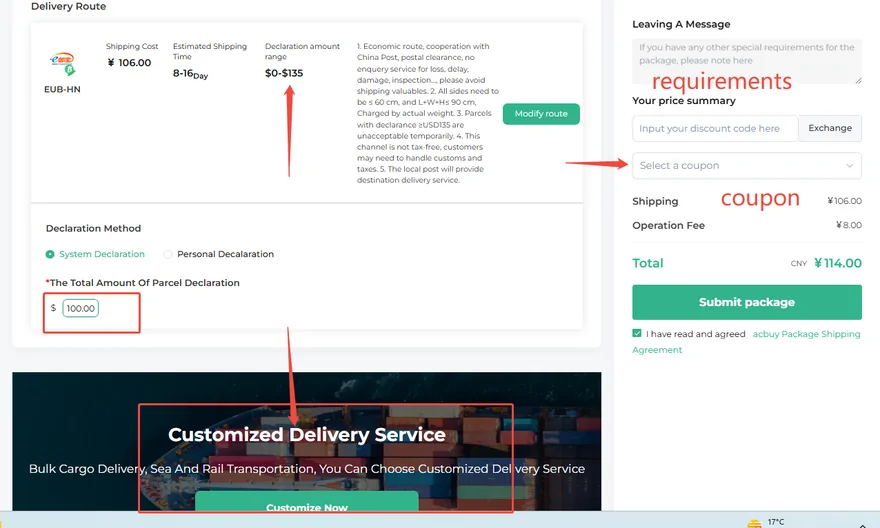
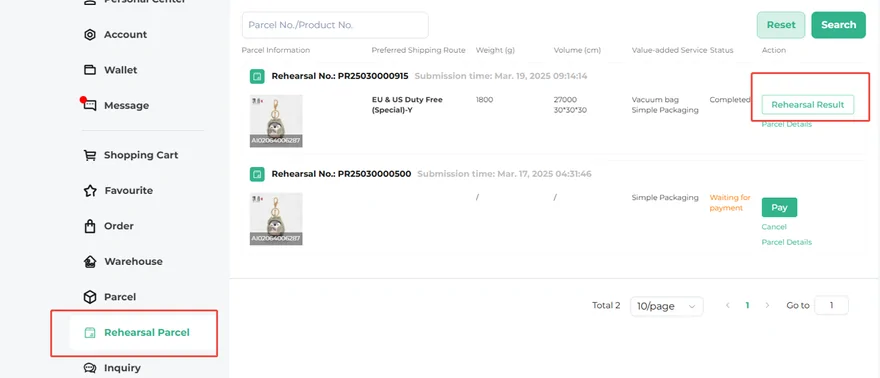
Bundle one or more stored items into a single parcel, choose packaging and labels, set the declaration and pick a shipping route. Want an accurate weight first? Use Rehearsal Packing. Full walkthrough: how to submit a parcel.

ACbuy submit parcel declaration and route
Step 6

Ship worldwide & track

Pick from 150+ international lines and pay the final shipping cost to send your parcel home. After it ships, track it and — if there’s any delay — contact your local post office for the fastest update.

ACbuy submit for delivery and final shipping cost
Use it on the go

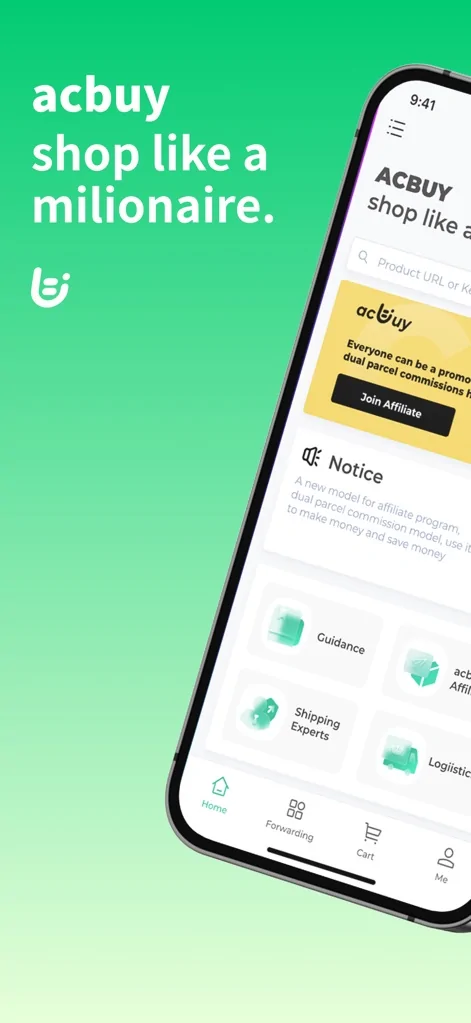
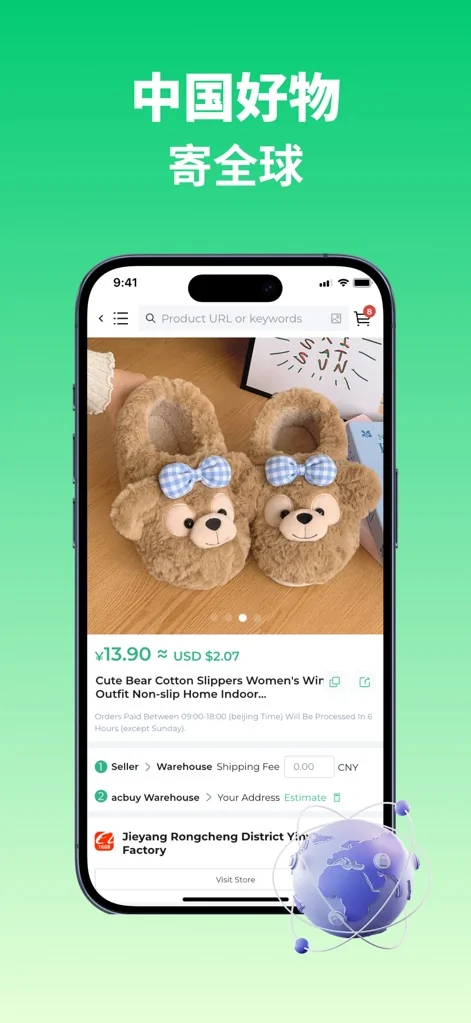
ACbuy mobile app — what you’ll see

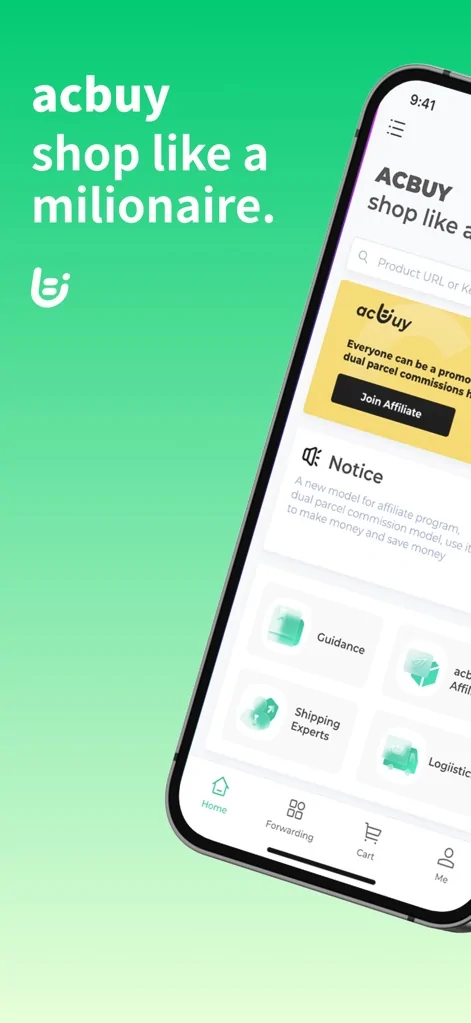
The same flow works on the ACbuy iOS / Android app. Here’s a tour of the screens you’ll use most.

iOS / Android · latest version 1.2.2 · 60.5 MB · Published by Hangzhou Taohai Chenxing Technology Co., Ltd

Ready to start?

Open the spreadsheet to find verified links, or read the full Help Center for detailed answers.